



In-house product photography of auto parts
Auto-onderdelen fotografeer je het best met diffuus licht van alle kanten, een rustige achtergrond en een vaste opstelling. Install the MagicBOX in your own business space so you can quickly take photos of auto parts in the same way for your website and social media.
Demo with Your Own Parts Read the guide
By Birgitta, MagicBOX · Updated October 19, 2026 · 6-minute read

In a nutshell
- Car dismantling companies and auto parts wholesalers primarily take photos for their online stores. When it comes to used auto parts, buyers need to see the actual condition in the photo.
- Metal and chrome create reflections. The diffused light coming from all directions eliminates those reflections.
- Many companies currently take photos on the floor or in a homemade box. With the MagicBOX, you can take photos using the same setup every time and with consistent quality.
- Having a photo taken costs an average of €15 to €20. With four photos per component, that comes to €60 to €80, meaning a MagicBOX Frame Pro Extra (€3,500) pays for itself after about 44 to 58 components.
Why are auto parts difficult to photograph?
Because the parts are shiny, vary greatly in shape and size, and because the buyer needs to see in the photo exactly what they’re getting.
Auto dismantling companies and auto parts wholesalers primarily sell through their online stores. This means the buyer only sees the part in a photo. With used auto parts, this is especially important: the photo must accurately reflect the part’s actual condition. Yet photos are often poorly taken—on the floor or inside a homemade cabinet. In larger companies, a dedicated employee enters the part into the system, takes the photo, and adds it to the online store.
- Reflection: Metal and chrome reflect light. Bright lights cast spots of light on the part.
- Actual Condition: When it comes to used auto parts, the buyer wants to see them in their actual condition.
- Speed: Anyone wholoads and photographs parts needs a stable, fast setup.
How do you photograph auto parts for your online store?
Set up a single fixed arrangement, enter the item into your system, and photograph each item in the same way.
- Place the part in the MagicBOXLegor place it in a fixed location.
- Photograph the entire part. First, take an overview photo: the entire part, with no other parts in the frame.
- Add detailed photos. Takephotos of the connections and the part number. For used auto parts, also take photos of any wear, scratches, or damage.
- Check for reflections. Seeif shiny parts, such as chrome, still have light spots. If so, check the tips for difficult cases.
What kind of background and lighting work best for auto parts?
Diffused light from all directions and a calm, plain background.
The MagicBOX illuminates the subject from all angles. This prevents harsh shadows and eliminates reflections on metal and chrome. The photos are ready to use right away, with little to no post-processing. MagicBOX doesn’t remove backgrounds or edit photos itself; the advantage lies in the even lighting you start with.

Can you take photos of car parts with your smartphone?
Ja dat is mogelijk, smartphones hebben al hele goede camera’s.
At auto-teardown companies, you’ll see both: some use a smartphone, others a camera. Because the lighting and background are fixed in the MagicBOX, you only need to set up your device properly once. After purchase, you’ll receive tips and tricks for configuring the MagicBOX; you can also find them on the Tips & Tricks page for using the MagicBOX.
Difficult Cases
Chrome and shiny metal
Chrome reflects everything around it. Because the light is diffuse and comes from all directions, that reflection largely disappears.
A small door with a hole can be installed in the MagicBOX. (The smaller MagicBOX models come standard with a door; for the larger models, it can be ordered as an optional extra.) You then take photos through that hole. This also helps prevent very strong reflections, since there is a white reflection of the light on the front as well.
Used Auto Parts: The Actual Condition
When buying used car parts, the buyer needs to see their true condition. Even lighting without harsh shadows reveals wear and scratches as they are. A close-up photo is therefore important.
If your product doesn’t fit a standard model, we can customize it—for example, by offering a different size. We’re happy to work with you to find a solution for your specific needs; in that case, please contact Ronald.
Examples from the MagicBOX
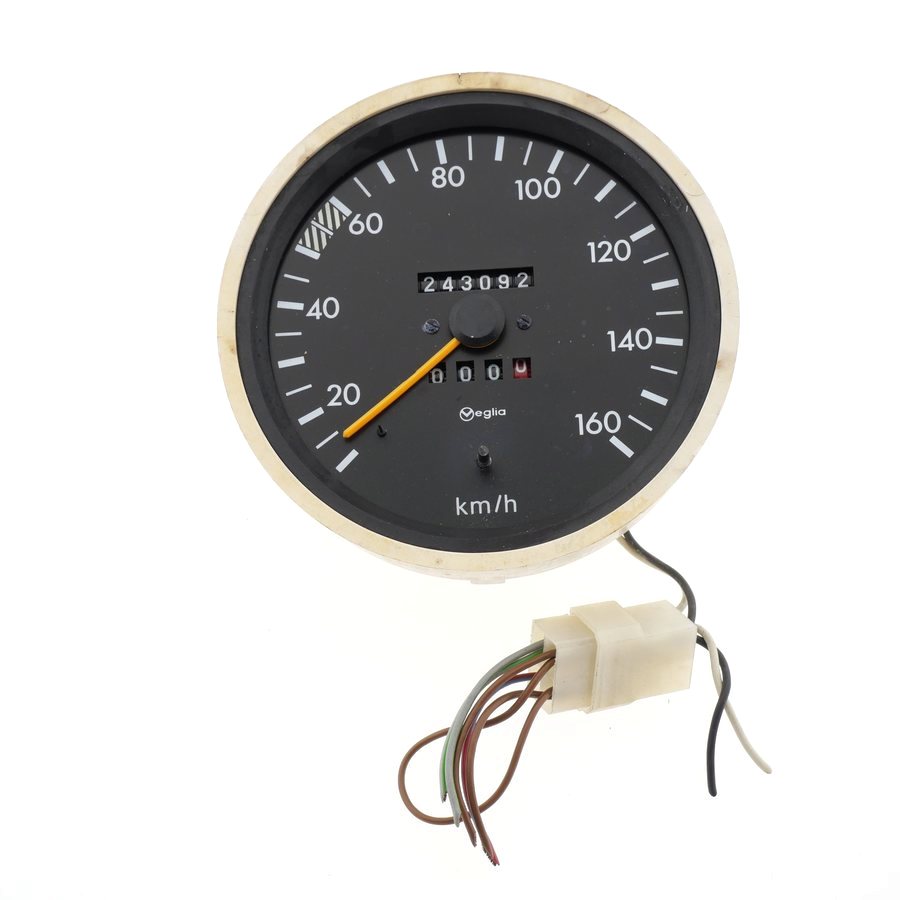
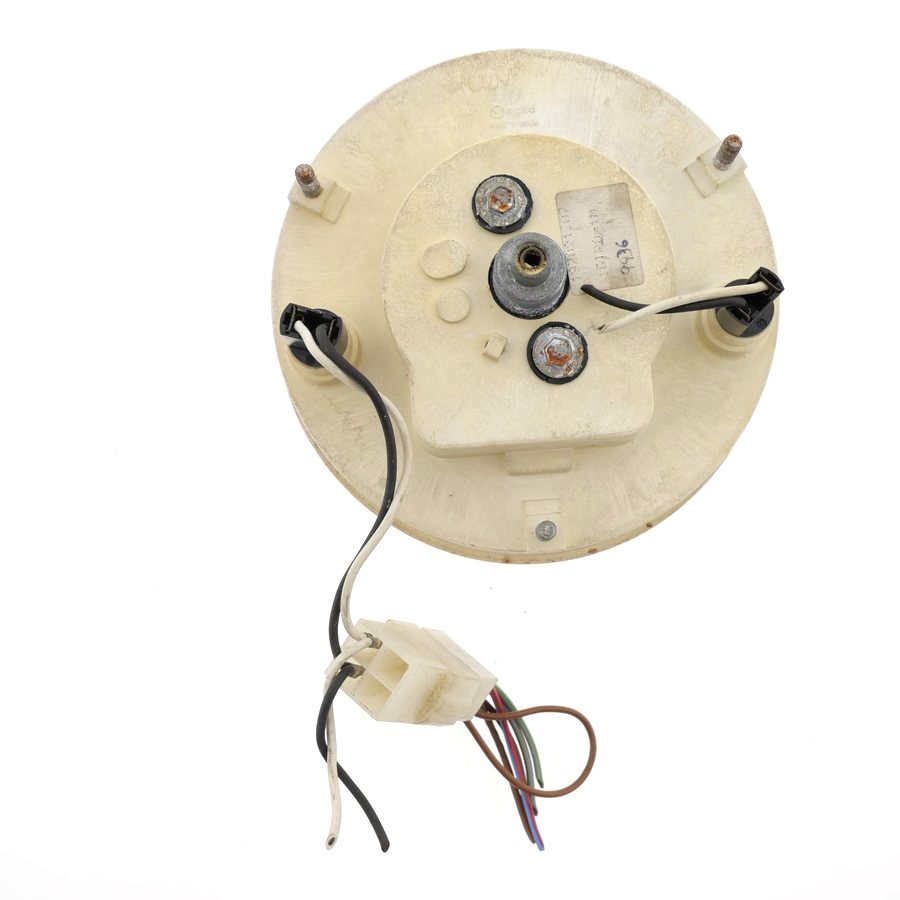
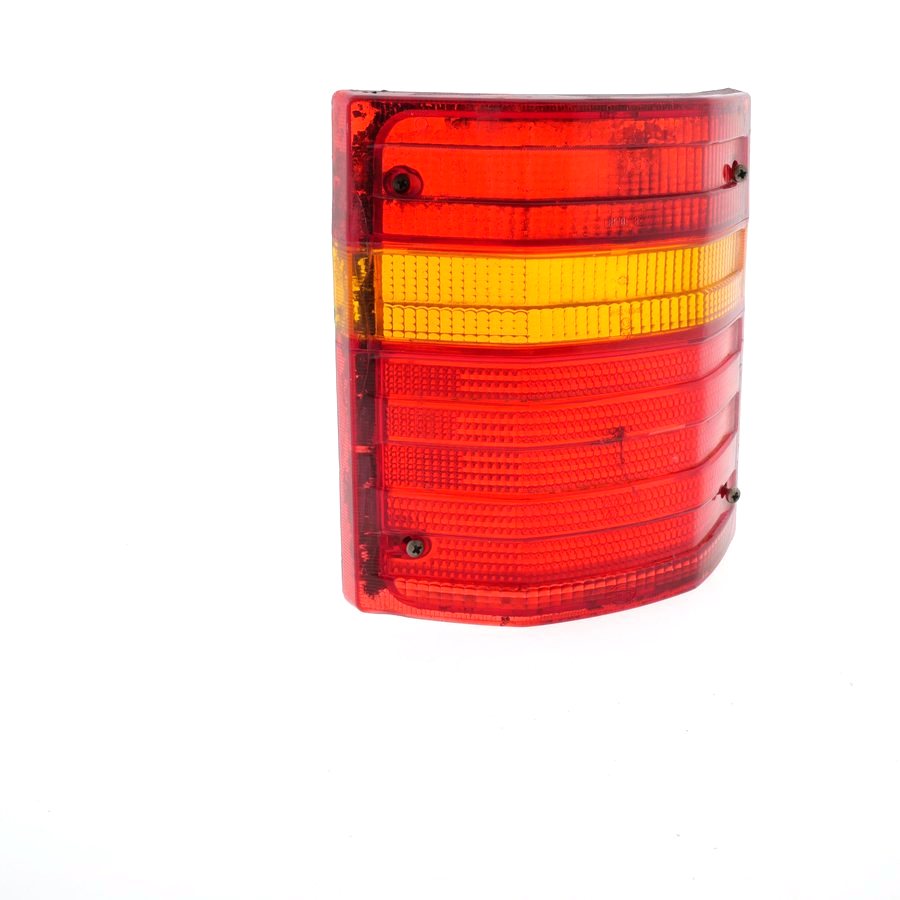
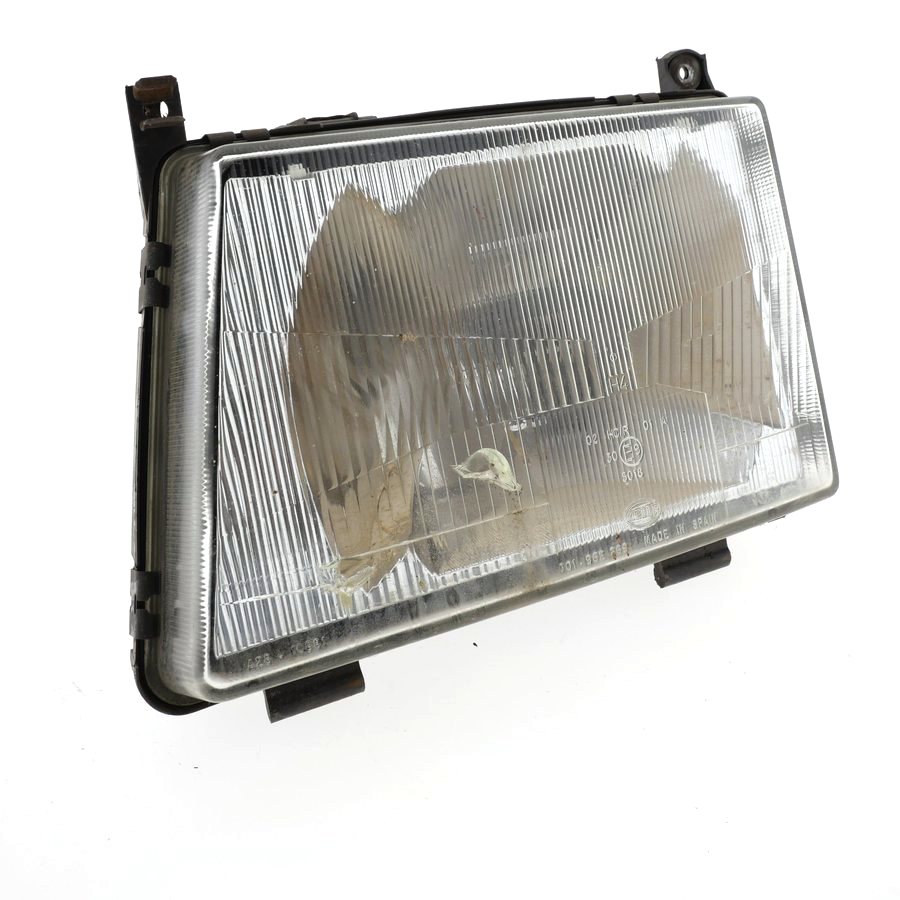
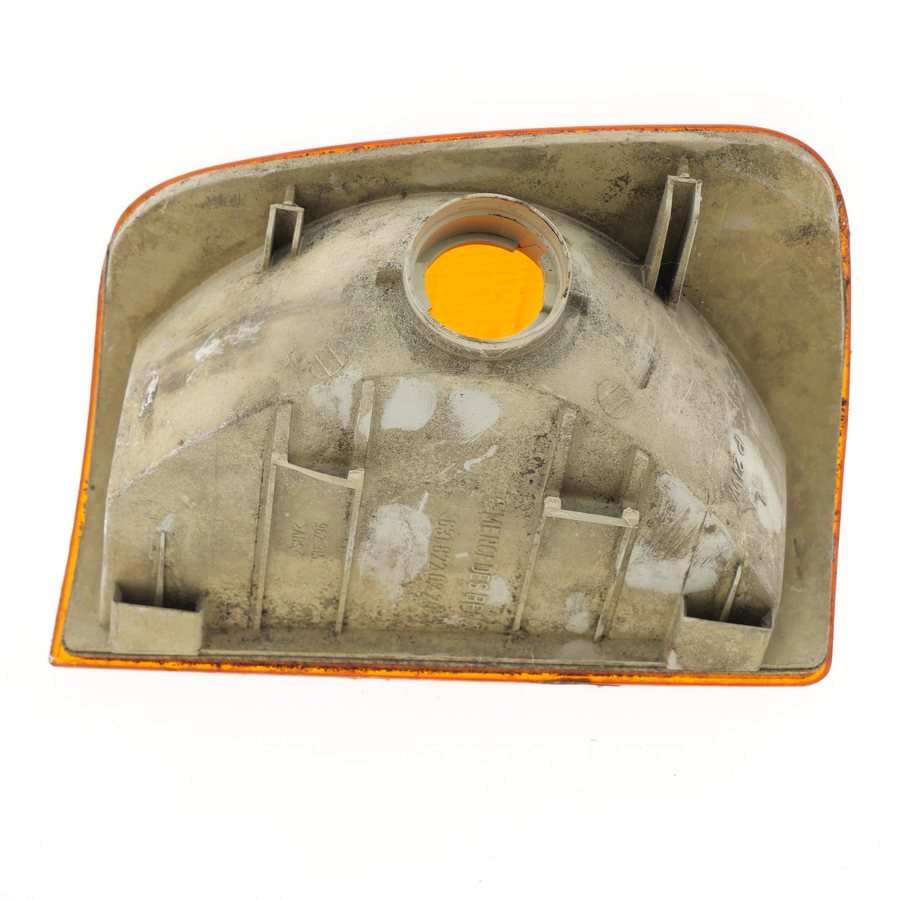
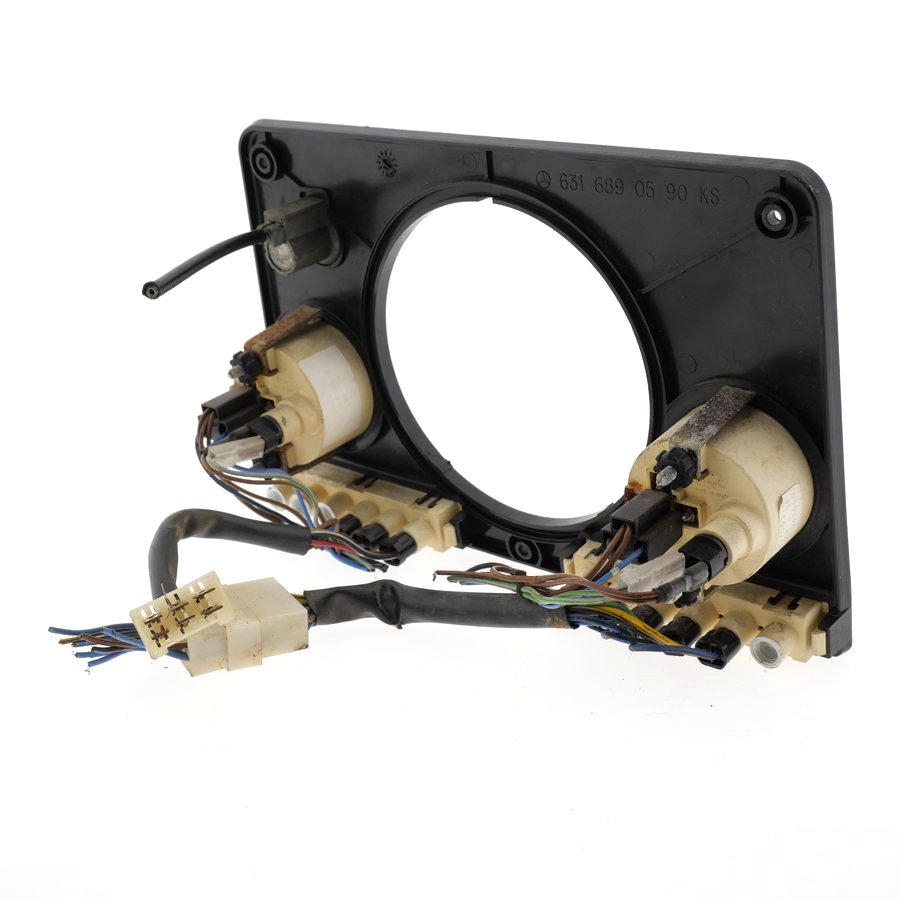
Bring your own car parts
At the showroom in Almere, we’ll take photos of them together—using your own phone. Prefer digital? That’s an option, too.
What photos do you need for each car part in your online store?
An overview photo, details of connections and part numbers, and—if used auto parts are included—photos showing their condition.
This way, the buyer can see at a glance whether the auto part is a good fit and what condition it’s in. Use the same order and layout for all auto parts; this will make your online store look more organized and help you work faster.
| Photo | What are you showing? | Why |
|---|---|---|
| Overview | The entire auto part, front view | The buyer recognizes the auto part immediately |
| Details | Connections and mounting points | The buyer can see if it fits |
| auto part number | Nameplate or number | Ordering the Right Part |
| Condition (used) | Wear, scratches, damage | The buyer will see the actual condition |
Take the photos yourself or outsource them?
If you regularly photograph auto parts, taking the photos yourself using a fixed setup is usually faster, more cost-effective, and produces higher-quality results than hiring a photographer every time.
Outsourcing a photo costs an average of €15 to €20. With four photos per component, that comes to €60 to €80. A MagicBOX Frame Pro Extra costs €3,500; as a rough estimate, it pays for itself after about 44 to 58 components. The actual payback period depends on how much you photograph.
| Our Own MagicBOX | External Photographer | |
|---|---|---|
| Turnaround Time | Immediate, at your own location | Plan and wait |
| Costs | One-time fee, for example, €3,500 for the Frame Pro Extra | Per session or per photo |
| Consistency | The same setup every time | Depends on the session |
MagicBOX or a software-based system?
The MagicBOX is just the hardware: we don’t sell software with associated requirements for specific cameras, or license and subscription fees. You have complete freedom in this regard, though we can offer you advice.
With the MagicBOX, you can quickly and easily take professional product photos of your auto parts yourself.
Here’s how other auto parts companies do it

From photos on the floor to a permanent display
From photos on the floor to a permanent display
At many auto parts companies, photos are still taken on the floor or in a homemade cabinet, resulting in reflections and inconsistent quality. With the MagicBOX, you set up a single, fixed setup. At larger companies, a designated employee enters the part into the computer, takes the photo, and adds it to the online store. Some companies want to fully automate the process and take four photos at once.
We recently developed a MagicBOX with 4 cameras for a client; if you’d like more information about it, please let us know.
Which MagicBOX is right for auto parts?
The MagicBOX Frame Pro Extra is suitable for most parts. If you want to fully automate the process, or if your parts are very large, you can discuss the option of a custom MagicBOX.
- For most of the partsFrame Pro Extra · €3,500
- Automation or Very Large ComponentsCustom solutions, such as those with 4 cameras · available upon request
Frequently Asked Questions
How do you prevent reflections on chrome and shiny metal?
Due to diffuse light coming from all directions. Inside the MagicBOX, light falls on the part from all directions, which largely eliminates reflections. Some MagicBOXes allow you to install a small door with a hole for the lens; this also prevents very strong reflections.
How do you show the actual condition of used auto parts?
Use even lighting without harsh shadows and a fixed setup. In addition to the overview photo, take close-up photos of wear and tear, scratches, and the part number so the buyer can see the item’s actual condition.
Which MagicBOX is right for auto parts, and how much does it cost?
The MagicBOX Frame Pro Extra (€3,500) is suitable for most parts. Custom solutions are available upon request for automation with 4 cameras or for very large parts. Current prices are listed on the model page.
MagicBOX or a system with software like Orbitvu?
The MagicBOX is just the hardware—it doesn’t come with any software to manage. It’s a simple way to quickly take professional product photos on your own. A system that includes software also offers automation and post-processing, but it requires management. Compare what you need.
How quickly is a MagicBOX delivered, and can you try it out first?
Delivery takes up to about two weeks. The MagicBOX is shipped on a pallet; shipping costs are listed in the terms and conditions. You’ll receive instructions or training, a one-year warranty, and MagicBOX is always ready to help immediately if you encounter any problems. Rental, leasing, or a trial period are not available. However, you can test the MagicBOX during a demo in Almere or at a trade show.