
Food product photography in-house: appetising and ready straight away
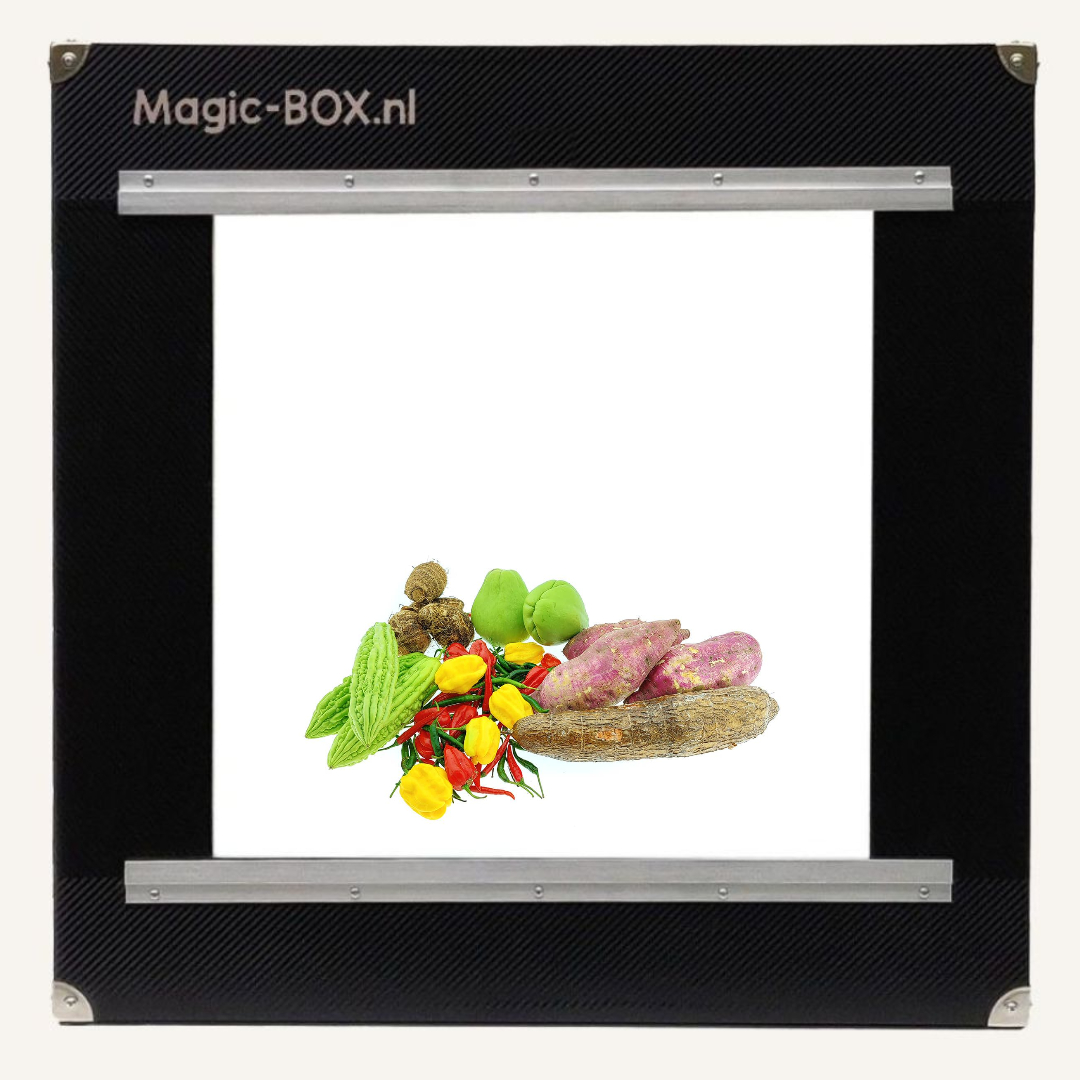
Food product photography works best with a fixed light box that lights the product evenly from every side. That way you photograph a dish straight after preparation, a glossy package without reflections or a product cut in half in one fixed set-up, without waiting for a photographer.
Demo with your own products Read the guide
By Birgitta, MagicBOX · Updated 29 October 2026 · 6 min read
In short
- Food has to look appetising, and fresh food has to be photographed straight after preparation. Speed is therefore the main reason to take the photos yourself.
- Glossy packaging reflects. Even light from every side and the door with a lens opening keep that under control.
- Typical users are food brands, producers, restaurants, caterers, food webshops and restaurants with an online ordering page.
- For food, the MagicBOX Small (€915), Square (€1,145) and Square 360° (€1,460) are a good fit.
- Outsourcing a product photo costs €15–€20 on average. At 4 photos per item, that is €60–€80.
Why is food difficult to photograph?
Because food has to look appetising, and that only works if the photo shows the colour, texture and freshness as they really are.
Fresh food has to be photographed straight after preparation. A dish that has been standing for a while soon looks less good. Packaged products have a different problem: glossy film and bags reflect.
Food brands, producers, restaurants, caterers and food webshops also have many different products: dishes, cold drinks, sauces, glazes, ice cream, salads, oil and packaging.
- Freshness and timeA dish has to be photographed straight after preparation. Waiting for a photographer is not an option.
- Reflections on packagingGlossy film, bags and bottles reflect lamps. Hard light causes bright spots.
- Appetising on screenColour and texture have to be right, so the photo shows what the customer will get.
Why a real photo of your dish is better than an AI image
An AI image does not know what your dish looks like. That became clear in October 2026, when the Dutch delivery service Thuisbezorgd, according to The Best Social Media (16 October 2026, in Dutch), had AI images created for dishes from restaurants without a photo.
One user shared screenshots on Threads of what went wrong: a mexicano shown as nachos and a hamburger being eaten with a spoon. The article is based on the screenshots of that one user and does not mention any official rules of the platform.
What you can take from this: a photo of your own dish shows what the customer gets. With your own MagicBOX the set-up is ready and you take the photo straight after preparation, instead of waiting for an AI to fill something in for you.
How do you take product photos of food for your webshop or ordering page?
Get the set-up ready before the food is done, then photograph it straight away.
- Set up your camera oncePut the camera on a tripod in front of the MagicBOX and set it up properly once. After that you have the same settings for every product.
- Place the product in the MagicBOXPut the packaging, or the dish straight after preparation, in a fixed spot.
- Use the door for reflectionsStill seeing reflections on glossy packaging? Then photograph through the opening in the door or choose a different angle.
- Take the main photo and the detail shotsPhotograph the whole product, then the details a buyer wants to see, such as the texture.
- Put the photos onlineAdd them to your webshop, ordering page or social media. Or make a 360° video with a turntable.
Which background and lighting work best for food?
Even light from every side and a calm, white background.
The MagicBOX lights the product from every side. That means no hard shadows, colour and texture stay visible and reflections on glossy packaging become smaller. The background stays calm and white, so you get a food product photo on a white background with all the attention on the product. The photos are ready to use straight away, with little or no editing. MagicBOX does not remove backgrounds or edit photos itself; the advantage lies in the even light you start with.
Camera or smartphone: what suits food?
Both work: a smartphone is fine for a few products, a camera on a tripod suits a whole menu or range better.
With a camera you set the settings once on the MagicBOX and then get the same photo for every product. After your purchase you receive tips and tricks for the settings of your camera or smartphone in combination with the MagicBOX; you will also find them on the page Tips & tricks for using the MagicBOX.
Tricky cases
Fresh food that has to be photographed straight away
A dish looks its best straight after preparation. So get the MagicBOX and the camera ready before you start cooking, and photograph it immediately. That way you do not have to wait for anyone.
Glossy packaging
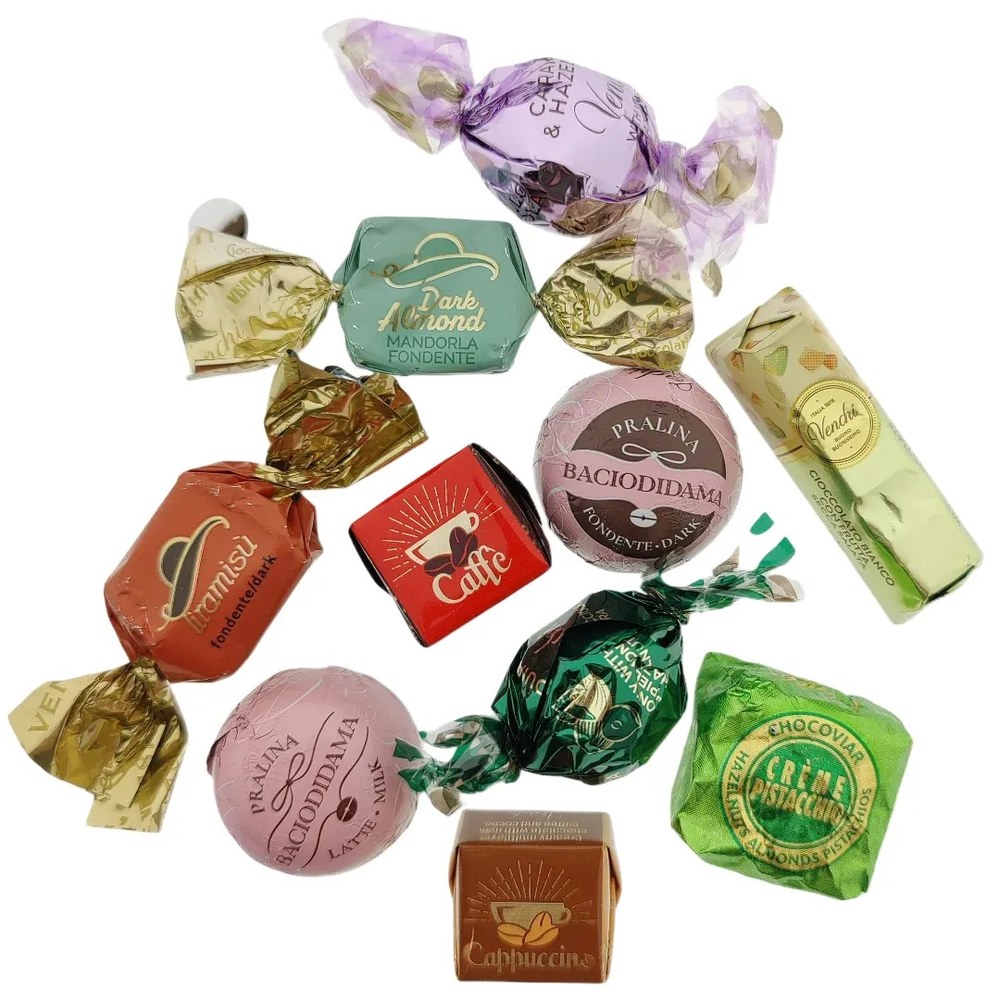
Film, bags and bottles reflect their surroundings (lamps, yourself and your camera). The door with an opening for the lens solves that: you photograph through the opening and the reflection disappears. (The smaller MagicBOX models come with a door as standard; for the larger models it can be ordered as an extra.)
Sauces, glazes and other glossy products
A glossy layer quickly causes bright spots. The diffuse light from every side keeps that under control, and for reflections you use the door.
Large or unusual products
If your product does not fit a standard model, a custom build is possible, for example in a different size. For specific requirements we are happy to think along with you; in that case please contact Ronald.
Can you make a 360° video of food?
Yes, with a turntable. That way buyers see the product from every side.
The MagicBOX Square 360° and Large 360° have a built-in turntable. A separate turntable is available as an accessory. A 360° recording takes 1 minute.
You can see more examples on the page 360° product videos.
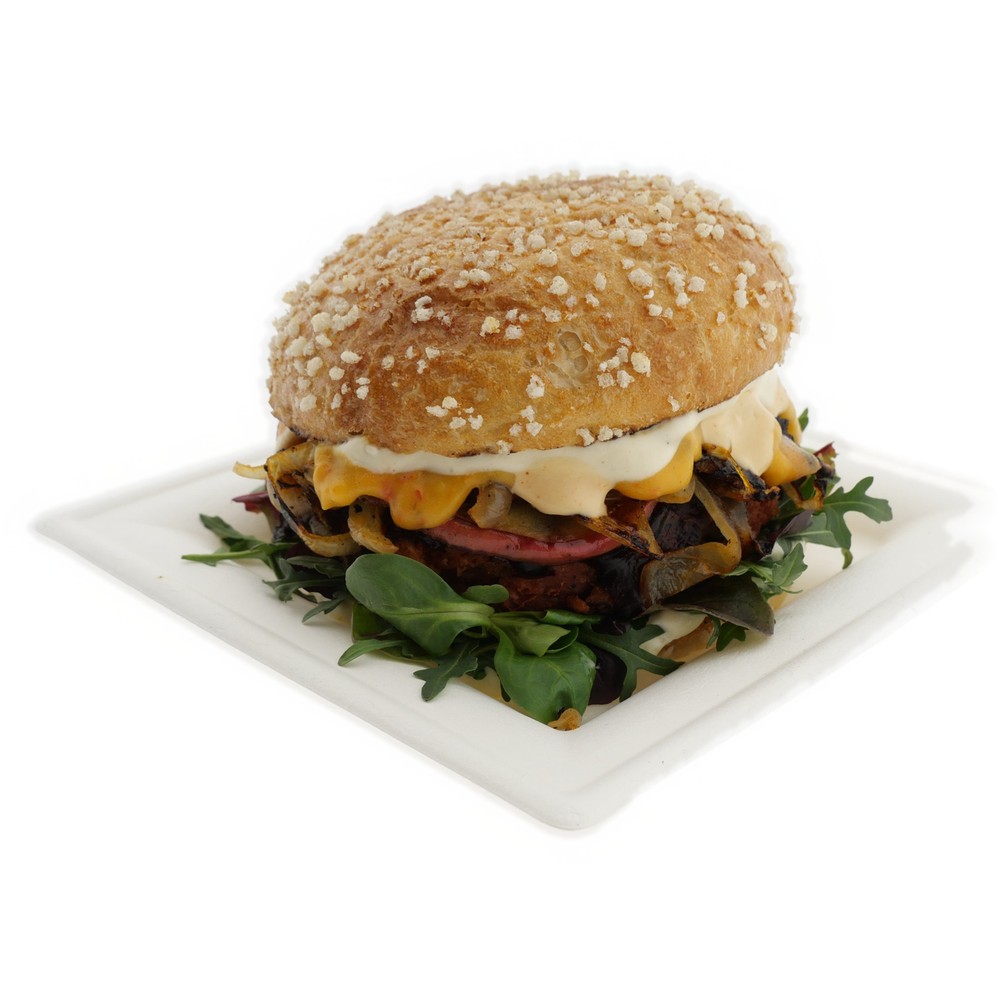
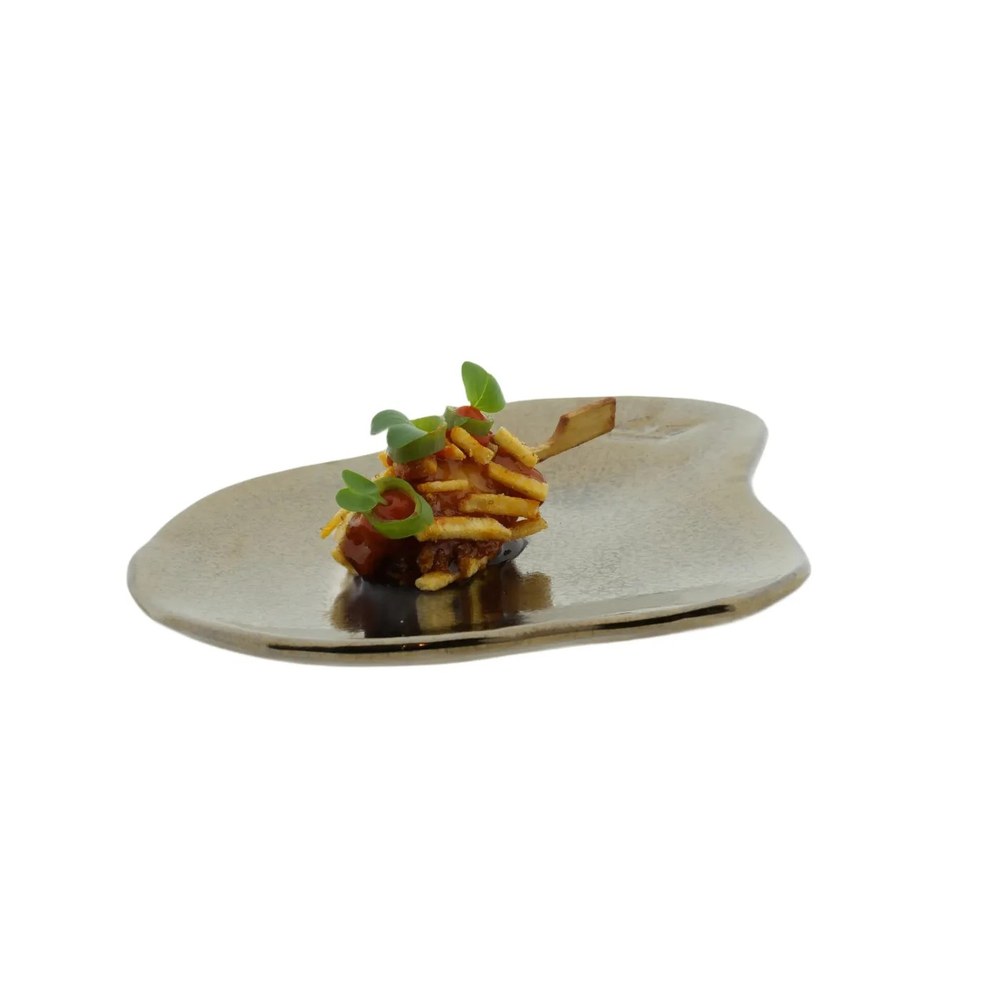
Examples from the MagicBOX
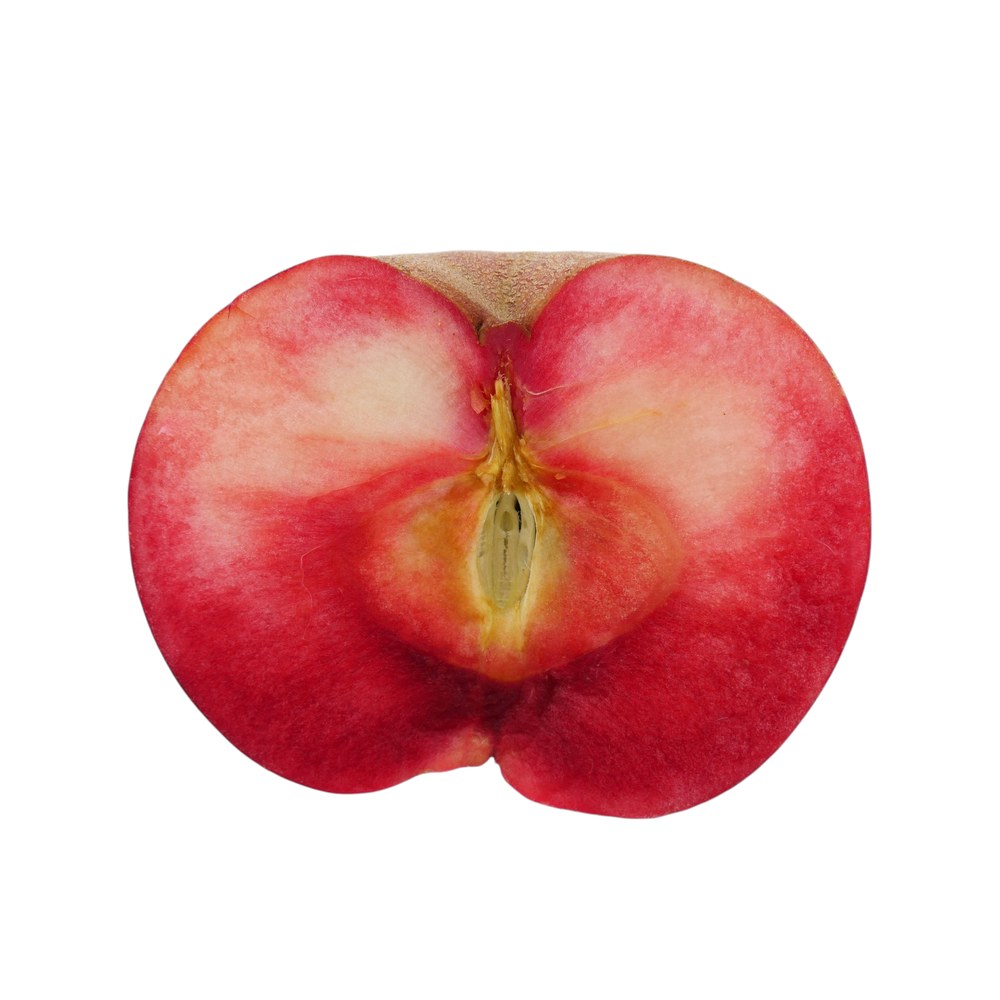
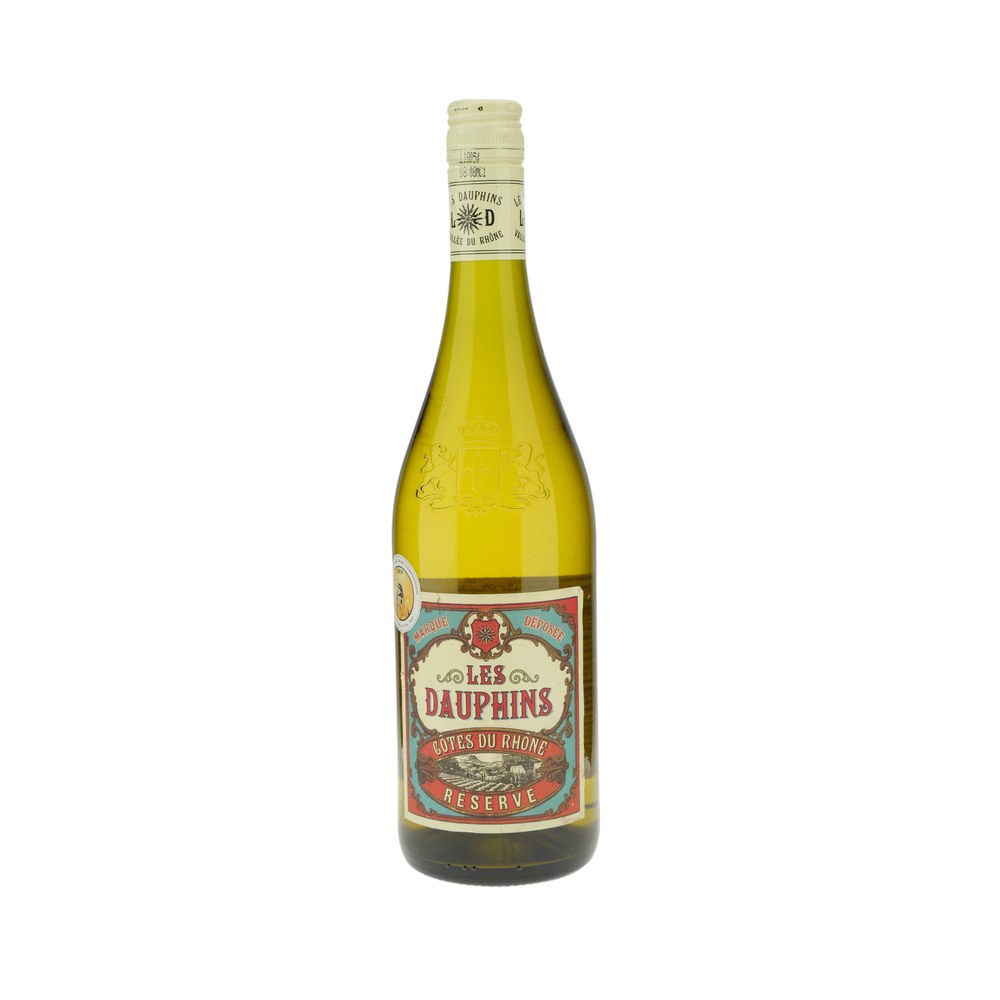
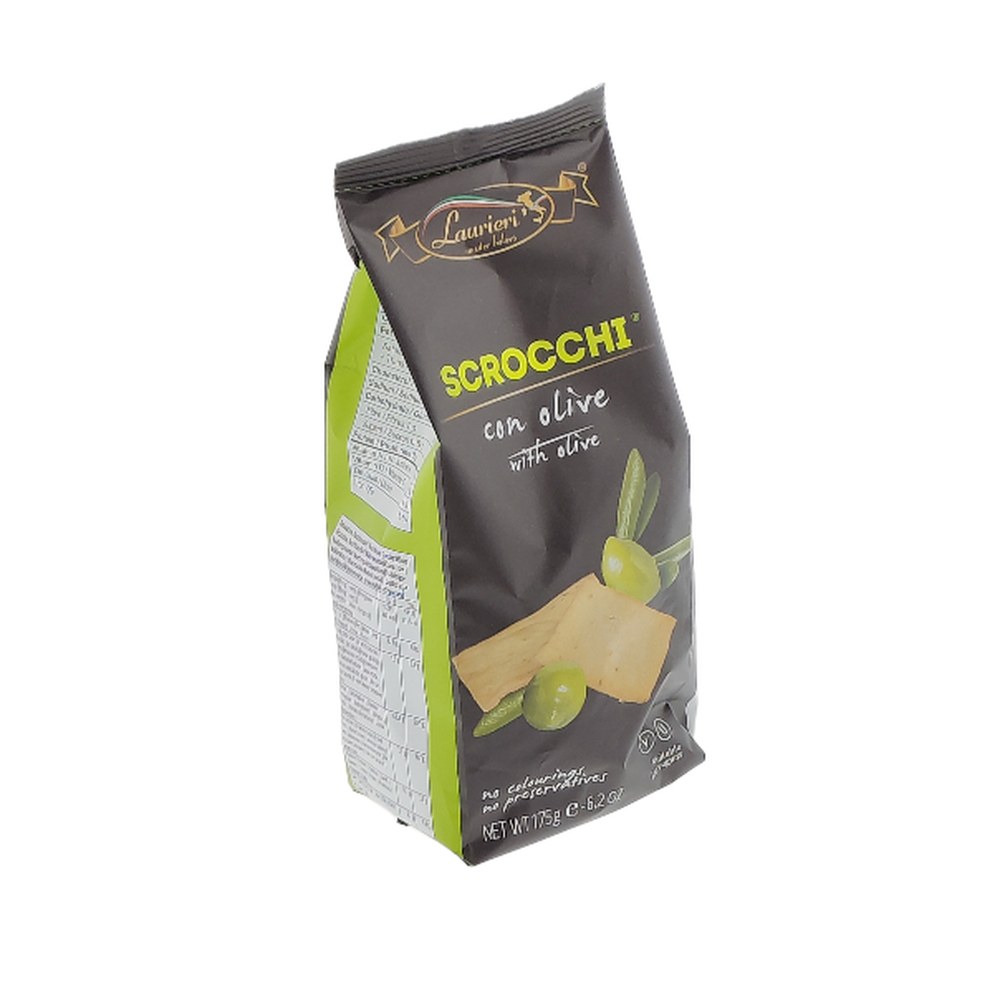
Bring your own products
We photograph them together in the showroom in Almere (the Netherlands), in English if you like. Prefer an online demo? That is possible too.
Which MagicBOX is the best photo studio for food?
For food, the MagicBOX Small, the Square and the Square 360° are a good fit.
The inside and outside dimensions of every MagicBOX are on the website, so you can check whether your products fit and how much space you need. Not sure? Bring your own products to the demo.
- For smaller products and packaging
 MagicBOX Small · €915
- For dishes and larger packagingMagicBOX Square · €1,145
- With a built-in turntable for 360° videoMagicBOX Square 360° · €1,460
 MagicBOX Small · €915
 MagicBOX Square · €1,145
 MagicBOX Square 360° · €1,460
Photograph it yourself or outsource it?
With food, speed is decisive. A dish has to be photographed straight after preparation, and with your own MagicBOX the set-up is ready. You do not have to wait until a photographer has time, and you take the photo whenever you want, including for social media.
Outsourcing a product photo costs €15–€20 on average. At 4 photos per item, that is €60–€80. A MagicBOX Small costs €915 and a Square €1,145; as an example calculation, the Square pays for itself after about 15 to 20 items. The actual payback time depends on how much you photograph. On top of that, as the seller you are more critical of your own products than a hired photographer: you know what the buyer looks for.
| Your own MagicBOX | External photographer | |
|---|---|---|
| Cost | One-off, for example €1,145 for the Square | €15–€20 per photo on average |
| Turnaround | Immediate, straight after preparation, at your own location | Planning and waiting |
| Consistency | Every product with the same lighting and angle | Depends on the session |
What do other customers say?
The MagicBOX has a score of 5/5 from 45 reviews. Customers we meet at trade fairs are positive about working with the MagicBOX. Read their experiences on our review page, or see Trustpilot for more reviews.
Frequently asked questions
How do you photograph food so it looks appetising?
With even light from every side, so colour and texture are right, and by photographing fresh food straight after preparation. So get the MagicBOX and the camera ready before the dish is done.
How do you photograph glossy packaging without reflections?
With even light from every side. If you still see reflections on film, bags or bottles, use the door with an opening and photograph through the opening. That way the lamps, you and your camera are not reflected in the packaging.
Which MagicBOX is the best photo studio for food?
For food, the MagicBOX Small (€915), the Square (€1,145) and the Square 360° (€1,460) are a good fit. The inside and outside dimensions are on the website.
Can I show food in a 360° video as well?
Yes, with the MagicBOX Square 360°, which has a built-in turntable. A separate turntable is available as an accessory. A 360° recording takes 1 minute.
What does it cost to photograph food yourself?
Outsourcing a product photo costs €15–€20 on average; at 4 photos per item that is €60–€80. You buy a MagicBOX once, for example the Square for €1,145. The actual payback time depends on how much you photograph.