
Jewellery product photography in-house: jewellery and watches
Jewellery product photography works best with a fixed light box that lights evenly from every side. Gold, silver and stones reflect strongly, and the colour in the photo has to match the real piece. With the MagicBOX you take the same series of photos of every piece, and with a 360° model a video too. For strong reflections you use the door with a lens opening.
Demo with your own jewellery Read the guide
By Birgitta, MagicBOX · Updated 29 October 2026 · 6 min read
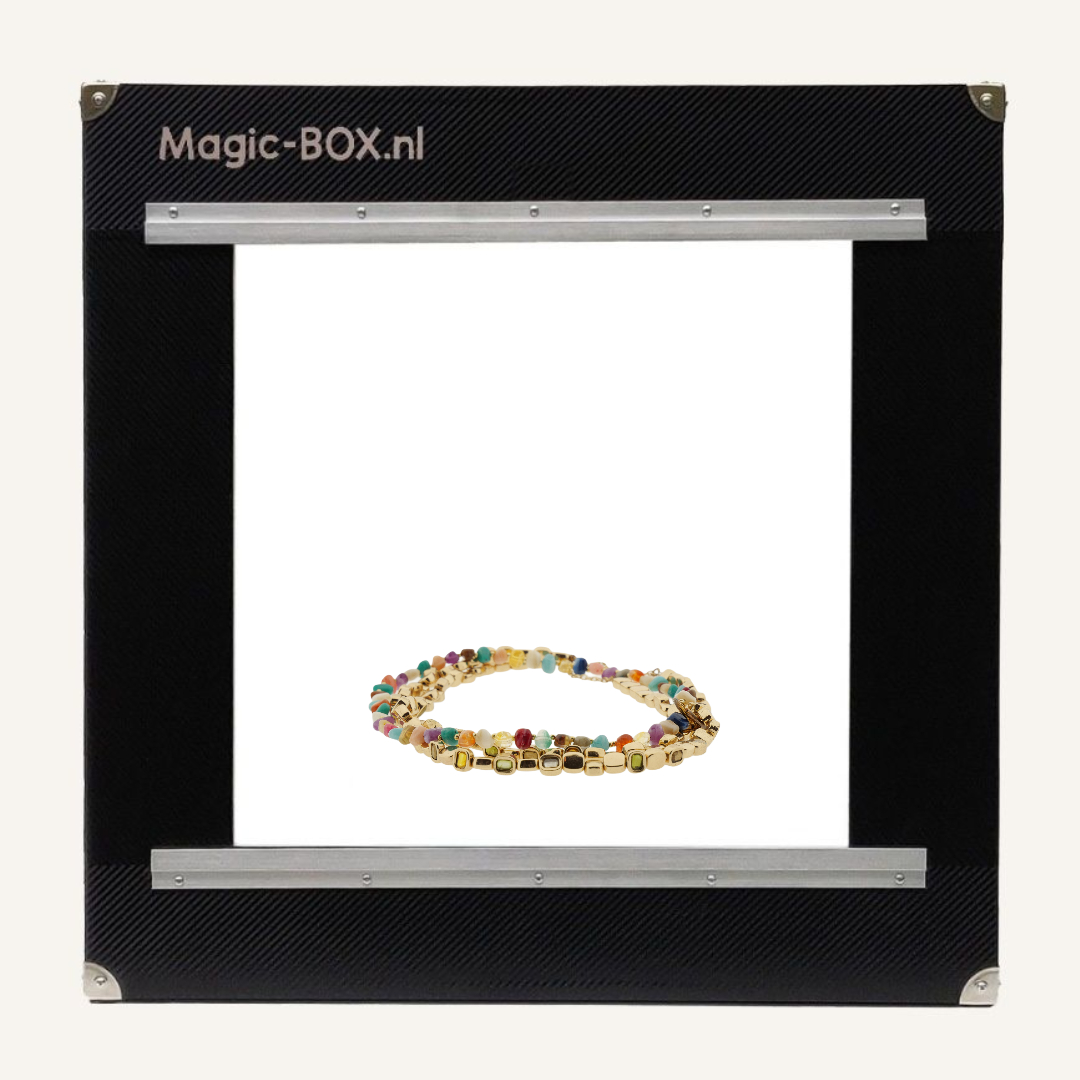
In short
- Gold, silver and stones are hard to photograph: they reflect strongly and the colour has to match the real piece.
- Especially with expensive pieces, the jewellery or watch in the photo has to match reality to prevent returns.
- Diffuse light from every side calms reflections and gives every piece the same lighting.
- The MagicBOX Small suits small jewellery and watches. If you also want 360° video, choose a model with a turntable.
- Outsourcing a product photo costs €15–€20 on average. At 4 photos per piece, that is €60–€80.
Why are jewellery and watches so hard to photograph?
Because gold, silver and stones reflect light strongly, while the colour and details in the photo have to match the real piece.
Jewellery is sold by jewellers, in fashion shops, by makers working from home and through auction houses. Who takes the photos depends on the company: larger businesses sometimes have a dedicated member of staff, in small ones the owner usually does it. The photos go to the company webshop, and also to auctions or marketplaces. Especially then, it matters that you can work quickly, because time is money.
With expensive items it is particularly important that the real piece of jewellery or watch matches the photo. A buyer who receives something different from what they saw in the photo is disappointed and sends it back.
- Gold and silverShiny metal reflects lamps and your surroundings. Hard lamps cause bright spots.
- StonesStones sparkle and can become overexposed or look flat.
- Colour and honestyThe colour of gold, silver and stones has to match the real piece of jewellery or watch.
How do you take product photos of a piece of jewellery or a watch, step by step?
Put the piece in a fixed spot, close the door and take the same series of photos of every piece.
- Clean the jewelleryFingerprints and dust show up in the photo straight away.
- Place the jewellery or watch in the MagicBOXWhether you lay it down or hang it up depends on the product and your taste.
- Use the door with an opening for strong reflectionsStill seeing reflections of lamps or yourself? Then photograph through the opening in the door.
- Photograph and check the colourCheck that the piece in the photo matches the real one, especially the colour of gold, silver and stones.
- Or make a 360° videoWith a model with a turntable, the jewellery or watch rotates. The turntable turns 360° in 1 minute.
Which background and lighting work best for jewellery?
Diffuse light from every side and a calm, plain background.
The MagicBOX lights the piece from every side, with daylight quality. That means no hard shadows, and the colour comes closer to the real piece. The photos are ready to use straight away, with little or no editing. MagicBOX does not remove backgrounds or edit photos itself; the advantage lies in the even light you start with. That gives you a jewellery product photo on a white background.
Camera or smartphone: what suits jewellery?
Both work: a smartphone is fine for a few pieces, a camera on a tripod suits a whole collection better.
With a camera you set the settings once on the MagicBOX and then get the same photo for every piece. After your purchase you receive tips and tricks for the settings of your camera or smartphone in combination with the MagicBOX; you will also find them on the page Tips & tricks for using the MagicBOX.
Tricky cases
Gold and silver
Shiny metal reflects everything around it. The door with an opening for the lens helps: you photograph through the opening, and the lamps, you and your camera are no longer reflected. (The smaller MagicBOX models come with a door as standard; for the larger models it can be ordered as an extra.)
Stones
Stones sparkle and are sensitive to hard bright spots. Even light from every side gives a calmer result.
Watches
The glass of a watch reflects, just like a spectacle lens. Photograph through the opening in the door to prevent reflections of lamps and camera.
Colour that matches reality
Especially with expensive pieces, the photo has to match the real jewellery or watch. So check the colour with every series.
Can you make a 360° video of a piece of jewellery?
Yes. With a MagicBOX with a built-in turntable, or with a separate turntable.
That way customers see the jewellery or watch from every side. The MagicBOX Square 360° and the MagicBOX Large 360° have a built-in turntable. A separate turntable is available as an accessory. A 360° recording takes 1 minute.
You can see more examples on the page 360° product videos.
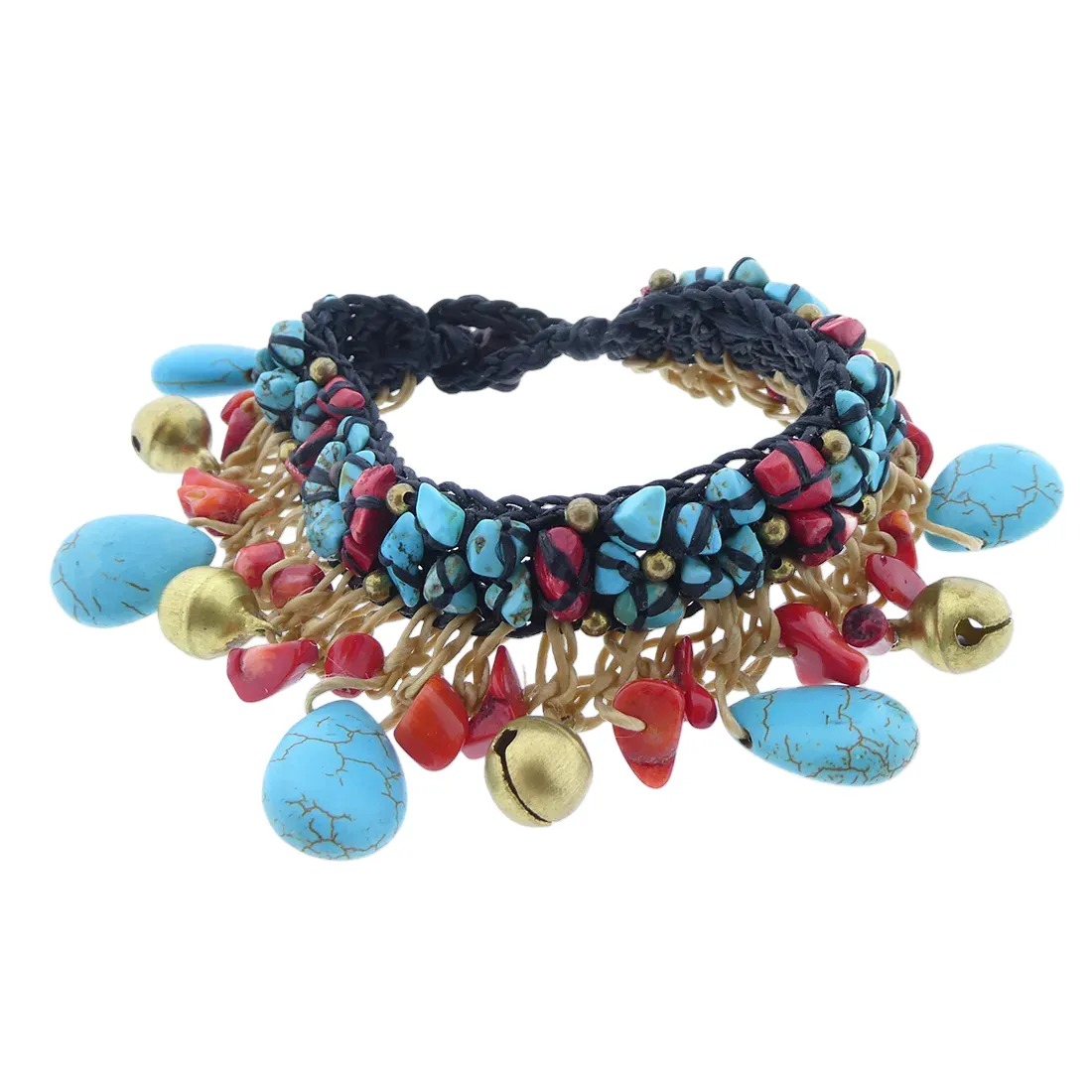
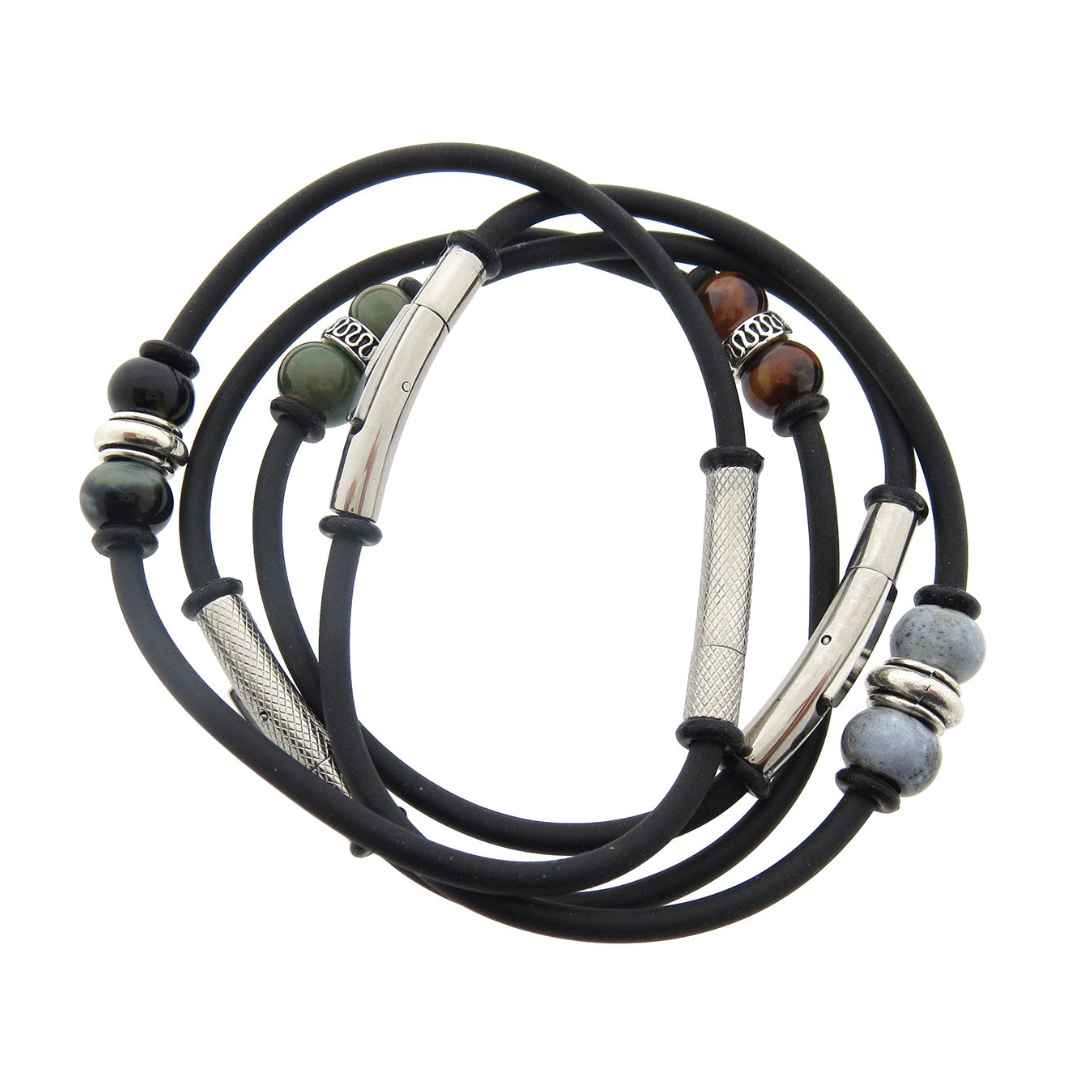
Examples from the MagicBOX

Bring your own jewellery
We photograph it together in the showroom in Almere (the Netherlands), in English if you like. Prefer an online demo? That is possible too.
Which MagicBOX is the best photo studio for jewellery and watches?
For small jewellery and watches the MagicBOX Small fits. If you also want to make 360° videos, choose a model with a turntable.
The inside and outside dimensions of every MagicBOX are in the product description, so you can check whether your products fit and how much space you need. Not sure? Bring your own jewellery to the demo.
- Small jewellery and watches
 MagicBOX Small · €915
- Photos and 360° videoMagicBOX Square 360° · €1,460
 MagicBOX Small · €915

Photograph it yourself or outsource it?
If you only have a few pieces a year, outsourcing is fine. With a larger or changing collection, photographing in-house with a fixed set-up is usually faster and cheaper.
Outsourcing a product photo costs €15–€20 on average. At 4 photos per piece, that is €60–€80. You buy a MagicBOX once and use it again for every new collection.
| Your own MagicBOX | External photographer | |
|---|---|---|
| Cost | One-off, from €915 (MagicBOX Small) | €15–€20 per photo on average |
| Turnaround | Immediate, at your own location | Planning and waiting |
| Consistency | Every piece with the same lighting | Depends on the session |
What do other customers say?
The MagicBOX has a score of 5/5 from 45 reviews. Customers from various industries, from flower growers to webshops and auction houses, explain in their own words why they chose a MagicBOX. Jewellery makers, such as a company that photographs urns and ash jewellery, also use the MagicBOX to avoid reflections in their photos.
Read their experiences on our review page, or see Trustpilot for more reviews.
Frequently asked questions
How do you prevent reflections on gold and silver?
With diffuse light from every side. If you still see reflections, use the door with an opening and photograph through it. That way the lamps, you and your camera are not reflected in the jewellery.
How do you get the colour of jewellery right in the photo?
The MagicBOX lights from every side with daylight quality, so the colour comes closer to the real piece. Check the colour with every series, especially for expensive pieces.
How do you photograph a watch without reflections in the glass?
Photograph through the opening in the door of the MagicBOX. That way lamps and camera are not reflected in the glass.
Which MagicBOX is the best photo studio for jewellery and watches?
For small jewellery and watches the MagicBOX Small. If you also want 360° video, choose a model with a turntable. The inside and outside dimensions are in the product description.
What does it cost to photograph jewellery yourself?
A MagicBOX Small costs €915 and the Square 360° €1,460. Outsourcing costs €15–€20 per photo on average; at 4 photos per piece that is €60–€80.